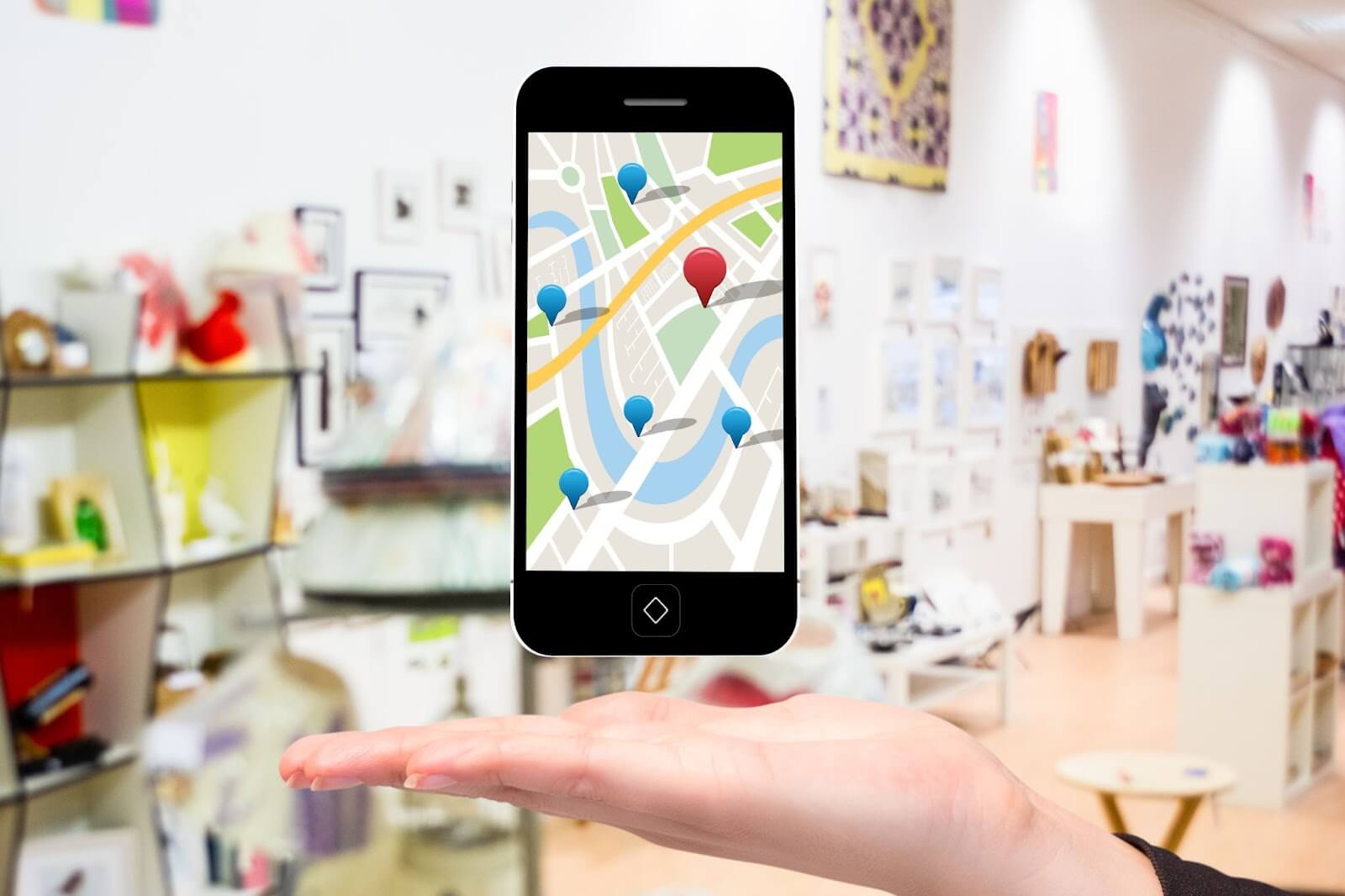
First impressions matter – especially for businesses with a presence online. Your Google Business Profile (GBP) images are the first thing customers see. High-quality, optimized images can boost your visibility and clicks. Google loves them. Customers trust them. And businesses with great visuals get 42% more requests for directions.
So, how do you optimize images for Google Business Profile the right way? It's easier than you think! In this guide, we'll break it all down, from choosing the right image sizes to adding metadata and making your visuals pop.
TL;DR
- Optimizing images for your Google Business Profile improves visibility, engagement, and trust.
- Use high-quality, properly sized images (720 x 720 pixels minimum) in JPEG or PNG format.
- Keep your profile fresh by uploading new images regularly, including seasonal and promotional photos.
- Google removes metadata, so focus on locally relevant visuals instead of geotagging.
- Follow Google's guidelines to avoid image rejection.
- Synup helps streamline your online presence—so you can focus on growing your business.
Why Image Optimization Matters for Google Business Profile
75% of people judge businesses by their visual appearance – images and general site design.
GBP images don't just make your listing look good. They enhance visibility in search results and Google Maps. Optimized images can increase engagement, boost credibility, drive conversions, and improve local rankings.
- Increase engagement: Listings with quality photos get 35% more clicks.
- Boost credibility: Professional images make your business look legit.
- Drive conversions: Customers are twice as likely to visit a business with great photos.
- Improve local rankings: Google loves fresh, high-quality content.
Image Quality & Format Best Practices
Nobody trusts a blurry, pixelated photo—not customers, not Google.
Use High-Resolution Images
- Minimum resolution: 720 x 720 pixels
- Best for cover photos: 1024 x 576 pixels
- File size: 10 KB - 5 MB
Best File Formats for Google Business Profile
- JPEG (JPG): Best for everyday business photos
- PNG: Great for logos or transparent backgrounds
What to avoid: TIFF, BMP, and GIF.
Choosing the Right Image Sizes & Dimensions
Recommended Image Sizes for Google Business Profile
- Cover Photo: 1024 x 576 pixels (16:9 aspect ratio)
- Profile Logo: 720 x 720 pixels (square format)
- General Business Photos: 720 x 720 pixels minimum
Why Google Crops Images & How to Avoid Issues
- Keep important elements in the center.
- Test images on mobile and desktop.
- Stick to recommended aspect ratios.
- Avoid text-heavy images.
Naming and Tagging Images for SEO
Use Descriptive, Keyword-Rich File Names
Instead of IMG1234.jpg, try artisan-bakery-exterior.png or organic-cafe-downtown-seattle.jpg.
Pro tip: Use hyphens (-), not underscores (_), in file names.
Add Alternative Text (Alt Tags)
Alt text helps search engines and screen readers understand your images. Example: "Cozy coffee shop with wooden interiors in downtown San Diego, featuring a barista pouring latte art."
Make It a Habit
- Rename images before uploading.
- Use clear, descriptive alt text.
- Add location-based keywords in file names when relevant.
- Preview uploads to ensure images display correctly.
Content Guidelines for Google Business Profile Images
Minimize Text Overlays
Google doesn't love text-heavy images. Keep text minimal, place it at the edges, and use high-contrast fonts if needed.
Use Authentic Business Photos
Google prioritizes real images of your business, not stock photos. Listings with authentic images get 42% more requests for directions and 35% more website clicks.
- Storefront exterior, interior shots, product photos, team at work
What NOT to do: No stock photos, blurry images, or overly filtered photos.
Consistency in Presentation & Branding
Stick with natural lighting, avoid weird shadows, and keep your brand's colors in mind. Check your photos across different devices to make sure nothing is getting cut off or stretched.
Compliance & Approval Process for Google Business Profile Images
- Blurry or low-quality images may not get approved.
- Misleading or irrelevant images get rejected.
- Only JPG and PNG formats under 5 MB, at least 250 pixels wide and tall.
Google takes 24 to 48 hours to approve GBP images.
Geotagging: Does It Help?
Google strips EXIF metadata (including geotags) when you upload an image. Instead, focus on locally relevant images—a shot of your storefront with a recognizable street sign, or your team at a well-known local landmark.
Why Frequent Image Uploads Matter
Google prioritizes active business profiles. Add new photos every few months, show off customer experiences, and ensure your images reflect renovations or menu changes. Synup's GBP post scheduler helps update content at the perfect time with less manual effort.
Seasonal & Promotional Images
Running a seasonal promotion? Upload a festive graphic or product shot. Offering holiday specials? Showcase decorated storefronts or themed deals. Feature happy customers enjoying your services when you have great user-generated content.
What type of images your business can use?
Restaurants & Cafés
- Exterior & interior shots, food photography, behind-the-scenes kitchen images
Retail Stores
- Storefront photos, product displays, in-store experience shots
Service Providers
- Team photos, action shots, before & after images
Beauty Salons & Spas
- Facility tours, service highlights, customer experience photos
Healthcare Providers
- Office & reception areas, treatment rooms, team portraits
Automotive Services
- Facility images, transformation shots, mechanics in action
Real Estate & Hospitality
- Property showcases, amenities, 360° tours
Home Services
- Project outcomes, team & equipment, client testimonial visuals
Summing Up
Optimizing images for your Google Business Profile isn't just about aesthetics—it's about engagement, visibility, and trust. Keep images high-quality, brand-consistent, and up to Google's standards. Update frequently and highlight promotions to stay relevant.
Need help managing it all? The Synup Google business profile management tool makes it easy to streamline your brand's local presence.
Optimize Images for Google Business Profile: FAQs
What size should images be for Google Business Profile?
Your images should be 720 x 720 pixels with a size between 10 KB and 5 MB. The minimum resolution is 250 x 250 pixels.
How do I get Google Business Profile photos approved?
Make sure your photos are in JPG, JPEG, or PNG format and 720 x 720 pixels at minimum. Avoid screenshots and ensure quality, size, and relevance.